Navigating the world of PC gaming in 2024 can feel overwhelming, especially when trying to balance performance with a tight budget. This comprehensive guide to building a budget PC in 2024 is designed specifically for US gamers who want to experience top-tier entertainment without breaking the bank. We understand that for many, gaming is a vital outlet for relaxation, skill-building, and social connection amidst busy lives filled with jobs and family responsibilities. This article cuts through the hype, offering practical, actionable advice on component selection, cost-saving strategies, and optimization tips. You'll learn how to construct a powerful yet affordable gaming rig capable of running popular modern titles smoothly. Discover how to identify value-for-money parts, avoid common pitfalls, and ensure your investment stays relevant. Our focus is on empowering you to make informed decisions, ensuring you get the most immersive and enjoyable gaming experience possible, all while respecting your financial limits. Get ready to build your dream machine without the dreaded financial headache.
What is a realistic budget for a PC build in 2024?
For a truly capable budget PC build in 2024, aiming for a price range between $600 and $900 is generally realistic. This sweet spot allows for a balanced selection of components that can deliver excellent 1080p gaming performance, and even decent 1440p on some titles with adjusted settings. Going much lower than $600 often means significant compromises in performance and longevity, leading to frustration down the line. Exceeding $900 starts to push into the mid-range category, where performance gains might not justify the extra cost for a strict budget build. Remember, this budget is for the tower itself; peripherals like a monitor, keyboard, and mouse will add extra costs.
Which components are most important for a budget gaming PC?
When building a budget gaming PC, the two most critical components to prioritize are the Graphics Processing Unit (GPU) and the Central Processing Unit (CPU). The GPU handles rendering all the visuals in your games, directly impacting frame rates and graphical fidelity. For a budget build, allocating a significant portion of your funds here, such as towards an AMD RX 6600 or an NVIDIA RTX 3050, is essential for a smooth experience. The CPU, while less impactful on raw frame rates than the GPU for gaming, processes game logic, AI, and background tasks. A solid mid-range CPU like an Intel Core i5 12th/13th Gen or an AMD Ryzen 5 5000/7000 series offers a great balance of performance and value, preventing bottlenecks.
Can I really play modern games on a budget PC?
Absolutely, you can! A well-planned budget PC build in 2024 is perfectly capable of running most modern games at respectable frame rates, typically at 1080p resolution with medium to high settings. Titles like Apex Legends, Fortnite, Valorant, and even more demanding games like Cyberpunk 2077 or Alan Wake 2, can be enjoyed by making smart compromises. The key is to optimize your in-game settings. Reducing shadows, anti-aliasing, or texture quality slightly can yield significant frame rate improvements without drastically impacting visual immersion. Many current games are designed with scalability in mind, allowing a wide range of hardware to run them effectively. Don't underestimate the power of a value-oriented build!
How do I find the best deals on PC parts?
Finding the best deals for your budget PC build in 2024 requires a bit of savvy shopping and patience. Start by monitoring major online retailers like Amazon, Newegg, Best Buy, and Micro Center for weekly sales and promotions. Holiday sales events (Black Friday, Cyber Monday, Prime Day) are prime times for significant discounts. Use price tracking websites like PCPartPicker.com, CamelCamelCamel.com, or Honey to monitor price drops and historical pricing data, ensuring you're getting a genuine deal. Don't shy away from open-box deals from reputable retailers or exploring the used market on platforms like eBay or r/hardwareswap, always exercising caution and checking seller ratings. Subscribing to deal alert newsletters can also keep you informed.
What are common mistakes to avoid in a budget build?
One of the biggest mistakes in a budget PC build is disproportionate spending. Forgetting to allocate enough funds for the GPU or CPU will severely bottleneck your performance. Another common pitfall is skimping too much on the Power Supply Unit (PSU) or Storage. A cheap, unreliable PSU can damage components, while insufficient or slow storage (e.g., a small HDD instead of an SSD) will make your system feel sluggish overall. Also, avoid buying parts impulsively; research compatibility thoroughly using tools like PCPartPicker to ensure all components work together without issues. Lastly, don't get swayed by unnecessary RGB or fancy cases if it means sacrificing core component quality.
How can I upgrade my budget PC later?
Upgrading your budget PC later is a fantastic way to extend its lifespan and boost performance without a complete overhaul. The most common and impactful upgrades are typically the GPU and RAM. If you started with 8GB of RAM, jumping to 16GB will noticeably improve multitasking and game performance. A newer, more powerful GPU will directly enhance frame rates and graphical settings. Other potential upgrades include adding more storage (especially an NVMe SSD if you started with a SATA SSD) or even a CPU upgrade, provided your motherboard supports it (always check socket compatibility and BIOS updates). Plan for these future upgrades by choosing a motherboard with extra RAM slots and an appropriate CPU socket, and a PSU with enough headroom for a slightly more powerful GPU.
Are pre-built budget PCs ever a good idea?
Pre-built budget PCs can sometimes be a good idea, especially for new builders or those with limited time, which describes many busy US gamers. The main advantage is convenience: you get a ready-to-play system with a warranty, and often, the stress of assembly and troubleshooting is removed. Reputable brands occasionally offer competitive deals, especially during sales events, that might match or even beat a DIY build price. However, always scrutinize the component list carefully. Pre-builts often cut corners with generic PSUs, slower RAM, or proprietary motherboards that limit future upgrades. Always compare the specifications to what you could build yourself at a similar price point, focusing on the GPU, CPU, and SSD quality. If the deal is genuinely strong and components are transparently listed, a pre-built can be a viable option.
Welcome, fellow gamers! In 2024, the world of PC gaming is more vibrant and accessible than ever. For many of us, gaming isn't just a hobby; it's a vital escape, a way to connect with friends, unwind after a long day, and even sharpen our skills. Whether you're a parent juggling work and family, a student on a tight budget, or just someone who loves a good virtual adventure, you deserve a gaming experience that's both immersive and affordable. The good news? Building a powerful, budget-friendly PC in 2024 is entirely within reach.
We know the struggle is real. You want to play the latest titles, join your friends in popular online games, and perhaps even dabble in streaming, but the thought of spending thousands on a gaming rig can be daunting. With 87% of US gamers playing regularly, and many averaging over 10 hours a week, getting the most bang for your buck has never been more important. This guide will cut through the noise, providing clear, actionable advice to help you build a phenomenal budget PC for 2024. Let's dive in and transform your gaming dreams into reality, without emptying your wallet!
What is a realistic budget for a PC build in 2024?
For a truly capable budget PC build in 2024, aiming for a price range between $600 and $900 is generally realistic. This sweet spot allows for a balanced selection of components that can deliver excellent 1080p gaming performance, and even decent 1440p on some titles with adjusted settings. Going much lower than $600 often means significant compromises in performance and longevity, leading to frustration down the line. Exceeding $900 starts to push into the mid-range category, where performance gains might not justify the extra cost for a strict budget build. Remember, this budget is for the tower itself; peripherals like a monitor, keyboard, and mouse will add extra costs.
Which components are most important for a budget gaming PC?
When building a budget gaming PC, the two most critical components to prioritize are the Graphics Processing Unit (GPU) and the Central Processing Unit (CPU). The GPU handles rendering all the visuals in your games, directly impacting frame rates and graphical fidelity. For a budget build, allocating a significant portion of your funds here, such as towards an AMD RX 6600 or an NVIDIA RTX 3050, is essential for a smooth experience. The CPU, while less impactful on raw frame rates than the GPU for gaming, processes game logic, AI, and background tasks. A solid mid-range CPU like an Intel Core i5 12th/13th Gen or an AMD Ryzen 5 5000/7000 series offers a great balance of performance and value, preventing bottlenecks.
Can I really play modern games on a budget PC?
Absolutely, you can! A well-planned budget PC build in 2024 is perfectly capable of running most modern games at respectable frame rates, typically at 1080p resolution with medium to high settings. Titles like Apex Legends, Fortnite, Valorant, and even more demanding games like Cyberpunk 2077 or Alan Wake 2, can be enjoyed by making smart compromises. The key is to optimize your in-game settings. Reducing shadows, anti-aliasing, or texture quality slightly can yield significant frame rate improvements without drastically impacting visual immersion. Many current games are designed with scalability in mind, allowing a wide range of hardware to run them effectively. Don't underestimate the power of a value-oriented build!
How do I find the best deals on PC parts?
Finding the best deals for your budget PC build in 2024 requires a bit of savvy shopping and patience. Start by monitoring major online retailers like Amazon, Newegg, Best Buy, and Micro Center for weekly sales and promotions. Holiday sales events (Black Friday, Cyber Monday, Prime Day) are prime times for significant discounts. Use price tracking websites like PCPartPicker.com, CamelCamelCamel.com, or Honey to monitor price drops and historical pricing data, ensuring you're getting a genuine deal. Don't shy away from open-box deals from reputable retailers or exploring the used market on platforms like eBay or r/hardwareswap, always exercising caution and checking seller ratings. Subscribing to deal alert newsletters can also keep you informed.
What are common mistakes to avoid in a budget build?
One of the biggest mistakes in a budget PC build is disproportionate spending. Forgetting to allocate enough funds for the GPU or CPU will severely bottleneck your performance. Another common pitfall is skimping too much on the Power Supply Unit (PSU) or Storage. A cheap, unreliable PSU can damage components, while insufficient or slow storage (e.g., a small HDD instead of an SSD) will make your system feel sluggish overall. Also, avoid buying parts impulsively; research compatibility thoroughly using tools like PCPartPicker to ensure all components work together without issues. Lastly, don't get swayed by unnecessary RGB or fancy cases if it means sacrificing core component quality.
How can I upgrade my budget PC later?
Upgrading your budget PC later is a fantastic way to extend its lifespan and boost performance without a complete overhaul. The most common and impactful upgrades are typically the GPU and RAM. If you started with 8GB of RAM, jumping to 16GB will noticeably improve multitasking and game performance. A newer, more powerful GPU will directly enhance frame rates and graphical settings. Other potential upgrades include adding more storage (especially an NVMe SSD if you started with a SATA SSD) or even a CPU upgrade, provided your motherboard supports it (always check socket compatibility and BIOS updates). Plan for these future upgrades by choosing a motherboard with extra RAM slots and an appropriate CPU socket, and a PSU with enough headroom for a slightly more powerful GPU.
Are pre-built budget PCs ever a good idea?
Pre-built budget PCs can sometimes be a good idea, especially for new builders or those with limited time, which describes many busy US gamers. The main advantage is convenience: you get a ready-to-play system with a warranty, and often, the stress of assembly and troubleshooting is removed. Reputable brands occasionally offer competitive deals, especially during sales events, that might match or even beat a DIY build price. However, always scrutinize the component list carefully. Pre-builts often cut corners with generic PSUs, slower RAM, or proprietary motherboards that limit future upgrades. Always compare the specifications to what you could build yourself at a similar price point, focusing on the GPU, CPU, and SSD quality. If the deal is genuinely strong and components are transparently listed, a pre-built can be a viable option.
What about cooling and airflow in a budget PC build?
Ignoring cooling and airflow in a budget PC build is a mistake that can lead to performance throttling and reduced component lifespan. Even budget CPUs and GPUs generate significant heat under load. Ensure your PC case has at least two fans: one intake and one exhaust, to create a positive airflow. While the stock CPU cooler might suffice for lower-end CPUs, consider an inexpensive aftermarket air cooler if you're pushing a Ryzen 5 or Core i5, as these can be found for under $30 and make a big difference. Proper cable management also plays a crucial role; tidy cables prevent airflow obstruction. Investing a little in decent cooling prevents thermal throttling and ensures your budget components perform optimally for longer, providing consistent gaming sessions.
How can I get into social gaming and streaming on a budget PC?
Social gaming and streaming are incredibly popular, especially among Gen Z and Millennials who value connection and community. Your budget PC build in 2024 is perfectly capable of letting you join the fun. For social gaming, the key is simply having a stable internet connection and a decent microphone; many games have built-in voice chat, or you can use free tools like Discord. For streaming, your budget PC can handle it, but you'll need to manage expectations. Start with streaming less graphically intensive games or lower resolutions (720p) at 30 FPS. Utilize optimized streaming software like OBS Studio, and leverage hardware encoders (NVIDIA NVENC or AMD VCE) if your GPU supports them, as they offload the work from your CPU. Many gamers even find success with free-to-play titles that are less demanding on hardware, making streaming accessible and enjoyable on a budget rig.
Congratulations! You're now equipped with the knowledge to tackle a budget PC build in 2024. Remember, gaming is about enjoyment, connection, and sometimes, a little competitive fun. You don't need to spend a fortune to have an amazing experience. By making smart choices, prioritizing key components, and optimizing your settings, your budget rig will deliver countless hours of entertainment. Embrace the journey of building and optimizing your machine, and get ready to dive into your favorite virtual worlds. What's your biggest gaming challenge? Comment below!
What is the minimum RAM needed for gaming in 2024?
For comfortable gaming in 2024, 16GB of DDR4 RAM is the recommended minimum. While some older games might run on 8GB, 16GB ensures smoother performance, better multitasking, and compatibility with modern titles that increasingly demand more memory. It prevents stuttering and improves overall system responsiveness, offering a noticeable upgrade in gaming experience.
Is a solid-state drive (SSD) essential for a budget gaming PC?
Yes, an SSD is absolutely essential for a budget gaming PC in 2024. It dramatically reduces boot times, game loading screens, and overall system responsiveness compared to traditional hard drives. Even a smaller 500GB NVMe SSD as your primary drive will provide a superior user experience. This greatly enhances the feel of a budget system.
Should I buy an Intel or AMD CPU for a budget gaming build?
Both Intel and AMD offer excellent budget CPU options in 2024. AMD's Ryzen 5 series often provides great multi-core performance and integrated graphics options, while Intel's Core i5 series offers strong single-core performance beneficial for many games. The best choice depends on current pricing and specific generation performance benchmarks. Always compare the latest value offerings from both brands.
Can I reuse old PC parts for my budget build?
You can often reuse certain old PC parts to save money, such as a case, storage drives (especially SSDs), and potentially a power supply if it's high quality and has sufficient wattage. However, be cautious with older motherboards, CPUs, and RAM, as they might limit compatibility with newer, more efficient components, making them less ideal for a 2024 build focused on current gaming performance.
How important is the monitor for a budget gaming setup?
The monitor is incredibly important, as it's your window into the game. A great budget PC needs a monitor that can display its performance. Look for a 1080p monitor with a high refresh rate (e.g., 144Hz) and a low response time (1ms-5ms). This combination ensures smooth visuals and responsive gameplay, enhancing your overall experience even on a budget rig. Don't let a great PC be limited by a poor display.
What free-to-play games are great for testing a budget PC?
Many fantastic free-to-play games are perfect for testing a budget PC and enjoying social gaming. Titles like Fortnite, Apex Legends, Valorant, Counter-Strike 2, and Warframe are excellent choices. They are popular, graphically scalable, and provide engaging gameplay without an upfront cost. These games allow you to push your new budget rig and optimize settings to find your ideal balance of performance and visuals.
Cost-effective gaming PC builds 2024, Component selection for budget gaming, Performance optimization tips for affordable rigs, Balancing gaming with life, Future-proofing budget PCs, Finding best deals on PC parts, Avoiding common build mistakes, Social gaming trends and budget builds.
35
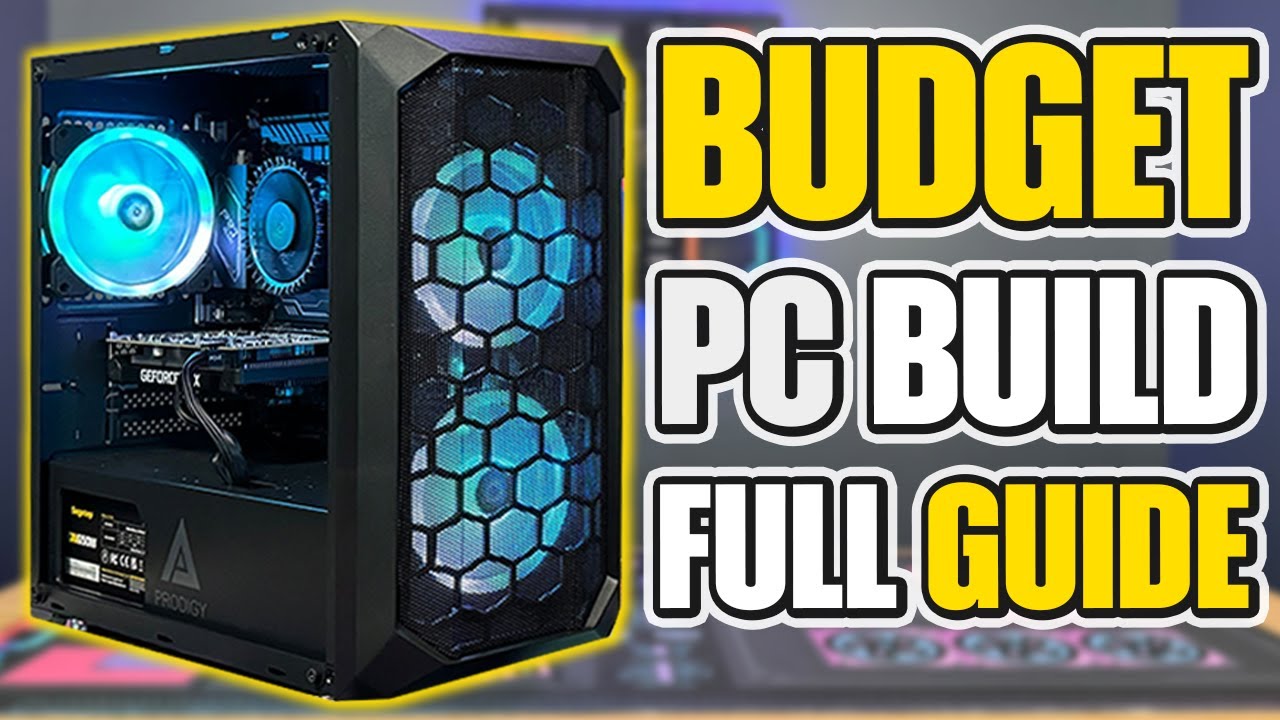


Budget PC Build 2026 Best Gaming Editing Setup 20 000 30 000 BDT 1000028879 . Budget Gaming PC Guide 2024 Full Build Guide YouTube . 500 650 750 Gaming PC Builds Best Budget PC Build 2024 . The Ultimate Budget Gaming PC Build Guide Step By Step To 1080p Gaming Best Budget Gaming PC Builds For 2026.webp. Best 600 Budget Gaming PC Build In 2024 YouTube


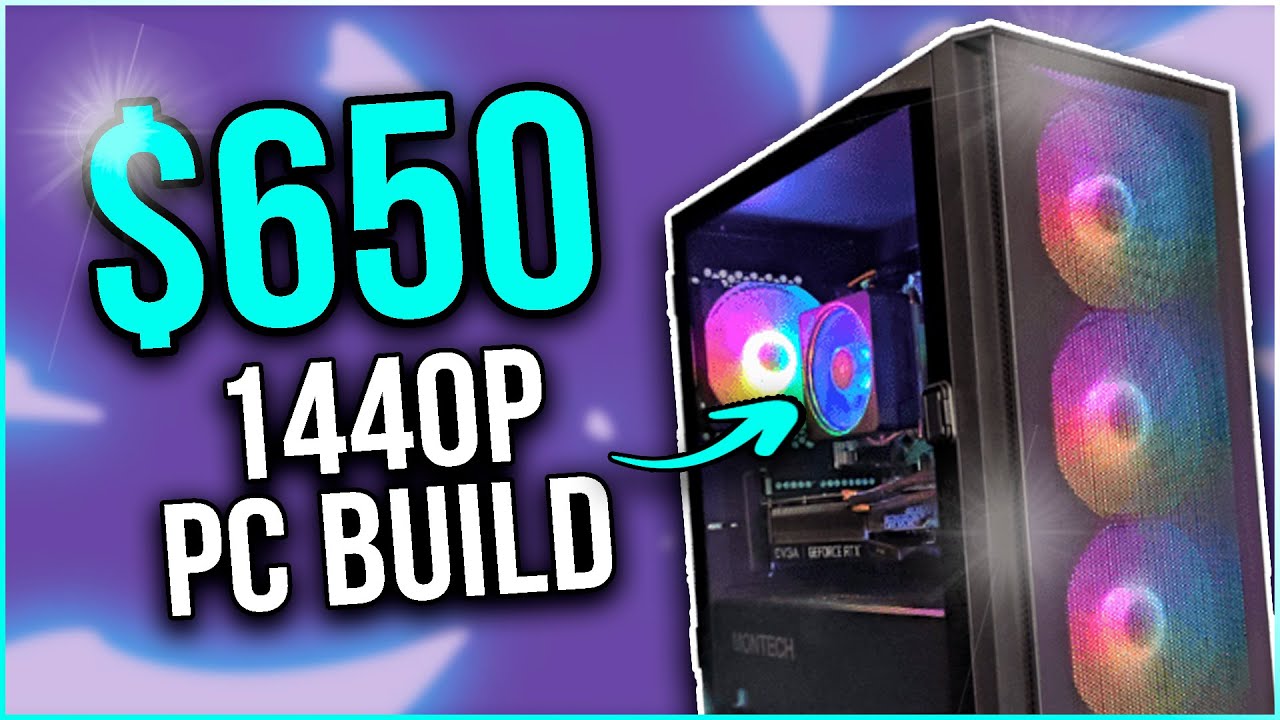


30 000 Budget PC Build 2026 Cheap Gaming PC Build 30K 30K Oardefault . Under 400 Budget PC Build In 2024 YouTube . Best 650 Budget Gaming PC Build In 2024 1440p 1080p ULTRA YouTube . 17K PC BUILD 2024 BEST BUDGET GUIDE YouTube . PC Build With Intel 14th Gen Processor Best Budget PC Build 2024 PC Build With Intel 14th Gen Processor Best Budget
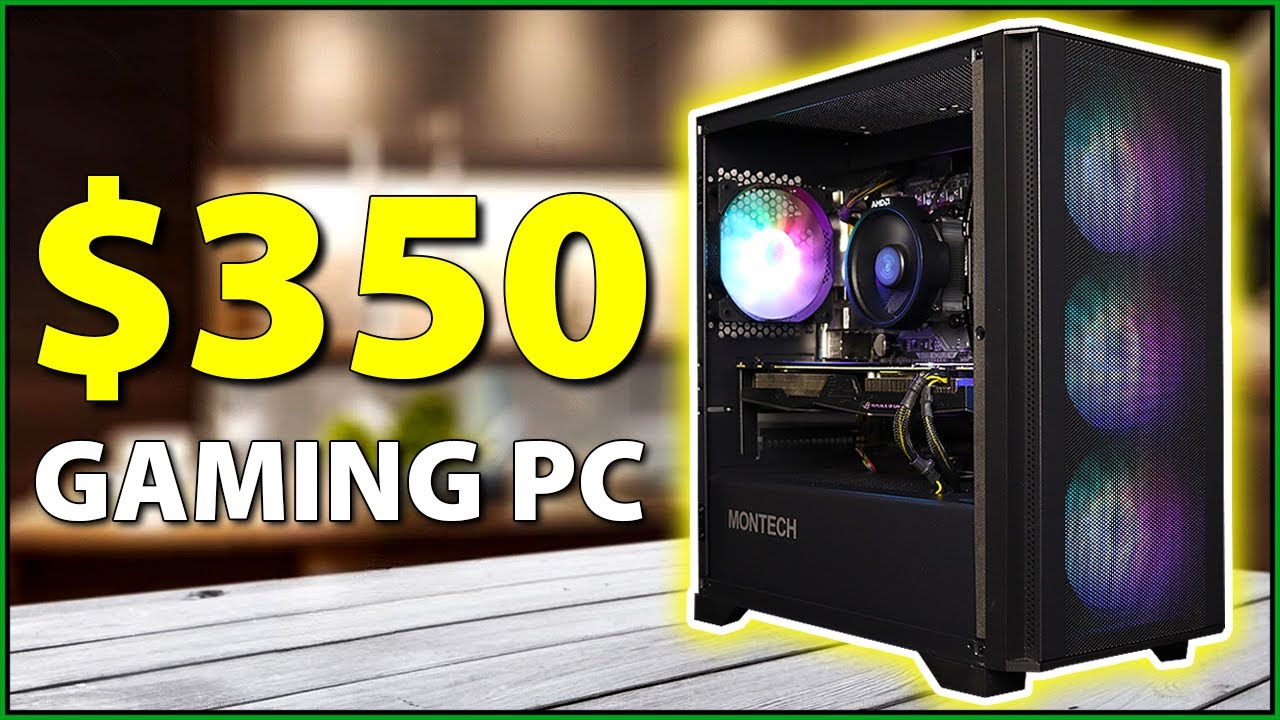


350 BUDGET Gaming PC Build In 2024 YouTube . 200 Budget Gaming PC Build 2024 YouTube . Budget Gaming And Streaming PC Guide 2024 Full Build Guide YouTube . BEST 1080P AMD BUDGET PC BUILD 2024 YouTube . The Best Gaming PC Builds For 2026 Top Picks And Reviews Best Pc Build 300x300

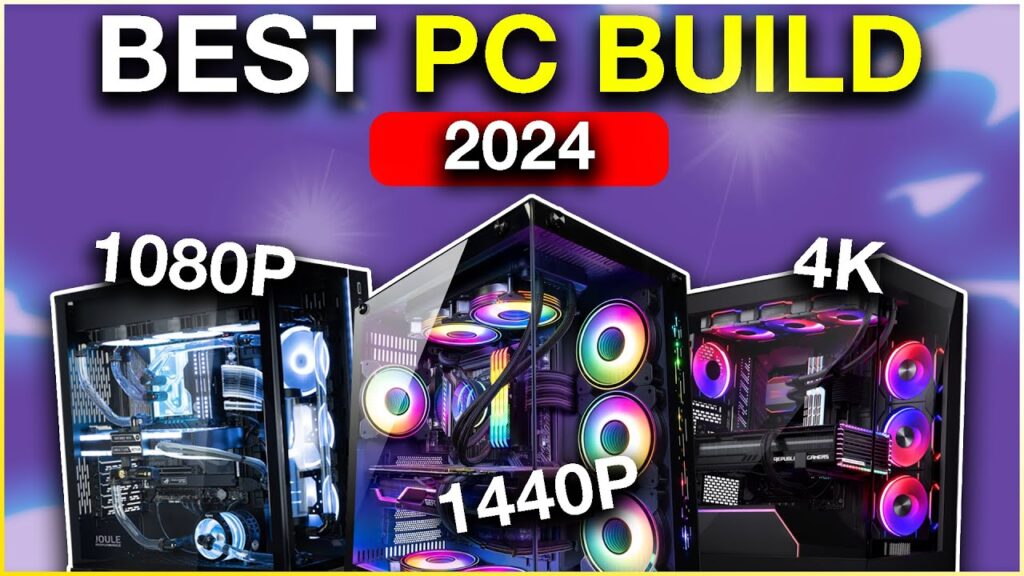


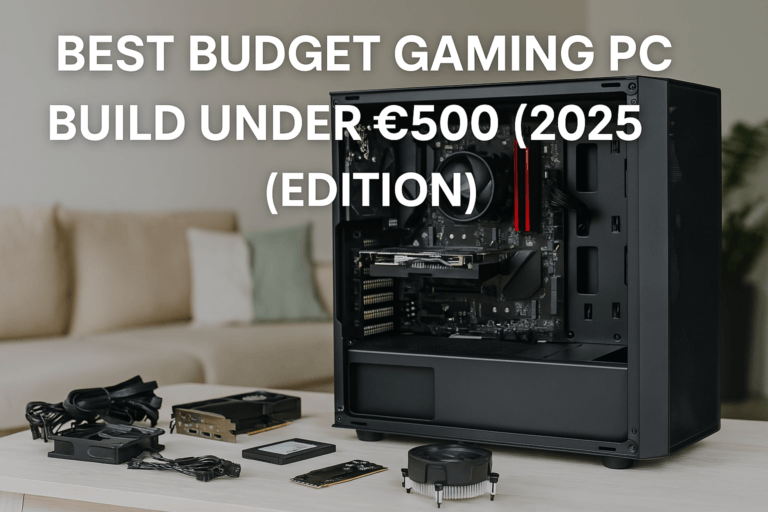
Budget 600 Gaming PC Build 2024 Full Build Guide W 1080p . Best PC Build 2024 Ready For The Next Generation Of Games Lucky Falcon Best PC Build 2024 1024x576 . Best 24 PC Builds Of 2024 Budget To Extreme YouTube . 25k Pesos Budget White PC Build This 2024 AMD Build YouTube . Budget Gaming PC Build 2026 Best Setup Under 700 BudgetPC 768x512


A CLASSIC 65K BUDGET GAMING PC BUILD 2024 YouTube . The Best Gaming PC Build For Every Budget February 2024 Roundup . Best Gaming PC Builds For 2026 Best Gaming PC Builds For 2026.webp. 2024 PC Gaming Is Cheap 750 1200 1440p Build 1900 4K Best . The BUDGET Gaming PC Build Guide 2024 YouTube

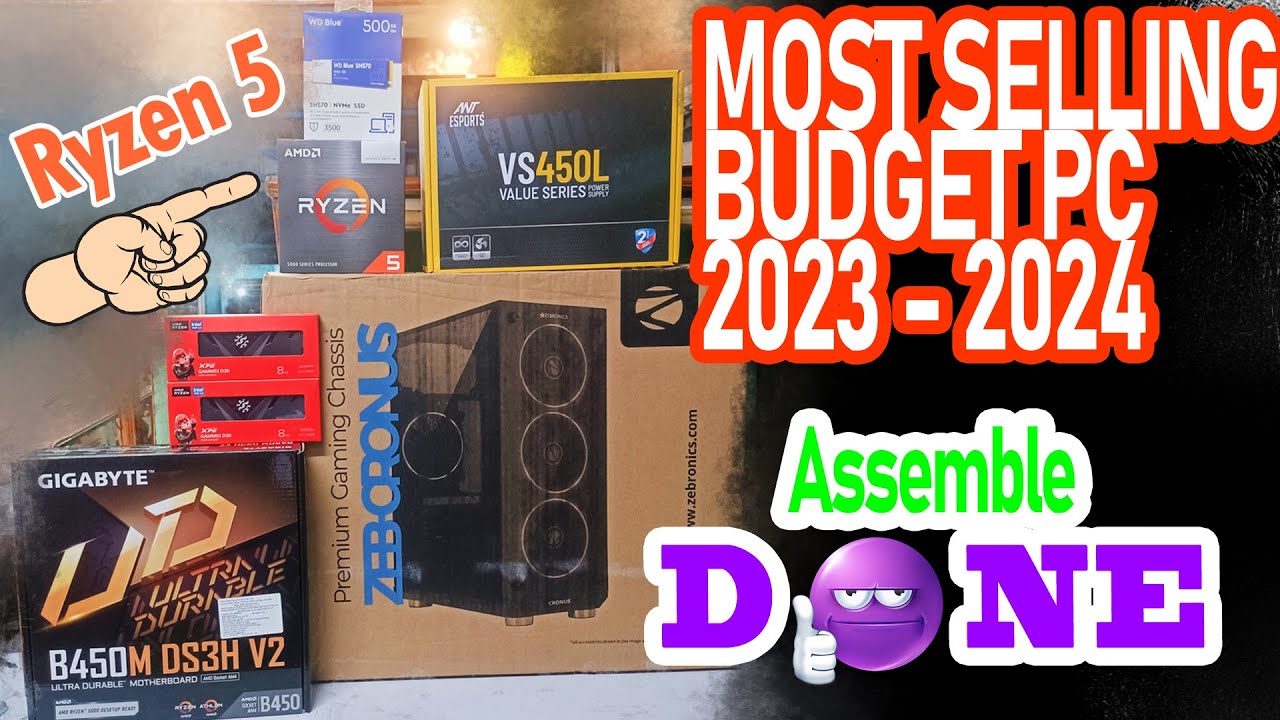

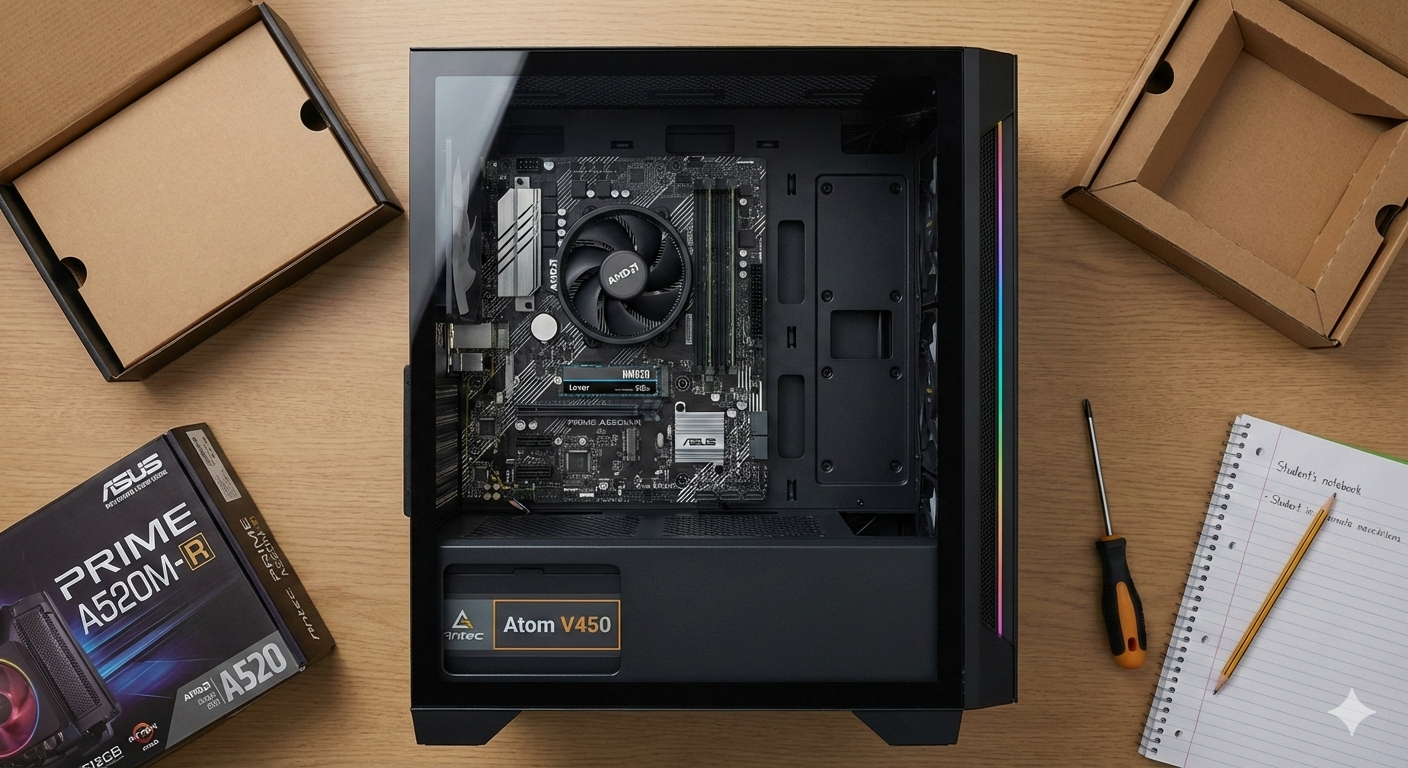
Best Budget PC Build For Video Editing Gaming 2024 Pc Build In . MOST SELLING ASSEMBLED BUDGET DESKTOP PC BUILD COMPLETE ASSEMBLE . How To Build A Budget Gaming PC For Under 1000 In 2024 GeekaWhat 3050 MB520 Build Feature 1024x576 . Best PC Builds For Students In 2026 Affordable Upgradeable Gemini Generated Image . Best Gaming PC Builds For Every Budget 2026 Pc Builds For Every Budget.webp


RYZEN 3 3200G PC Build Under 20K In 2024 Affordable Powerful Budget . Best BUDGET Gaming PC Builds In 2024 UNDER 1000 YouTube . Best BUDGET PC Build In 2024 YouTube . TOP 5 Budget Gaming PCs Of 2024 Build Your Dream Rig YouTube . Best Budget Gaming PC Build In India For 2026 Affordable Rs 30 000 Best Budget Gaming PC Build In India For 2026 854x503